You can now instantly explore the data behind your metrics. Right-click any formula-based cell in a sheet or dashboard to see the underlying information. You can also right-click on any chart to drill into its source data, from a sheet or directly from the dashboard View mode.
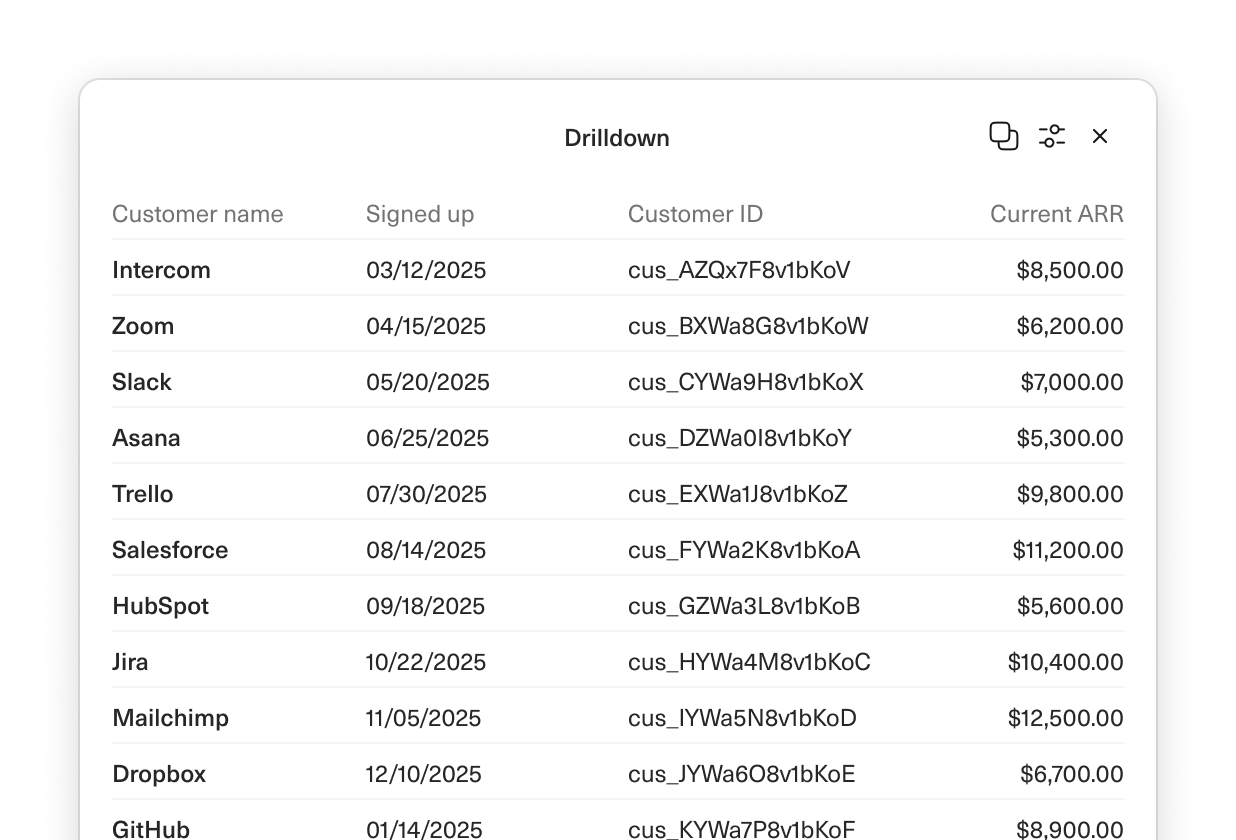
Drilldowns
Designed and built by
 Ryan Fauver
 Martin Rariga
Upgrade to real-time insights.
Guide your team with next-level clarity on pipeline coverage and funnel conversion.
