Add date filters to dashboards in Equals and explore your data by day, week, month, or year. Charts and tables update instantly, so you can analyze trends over time with ease.
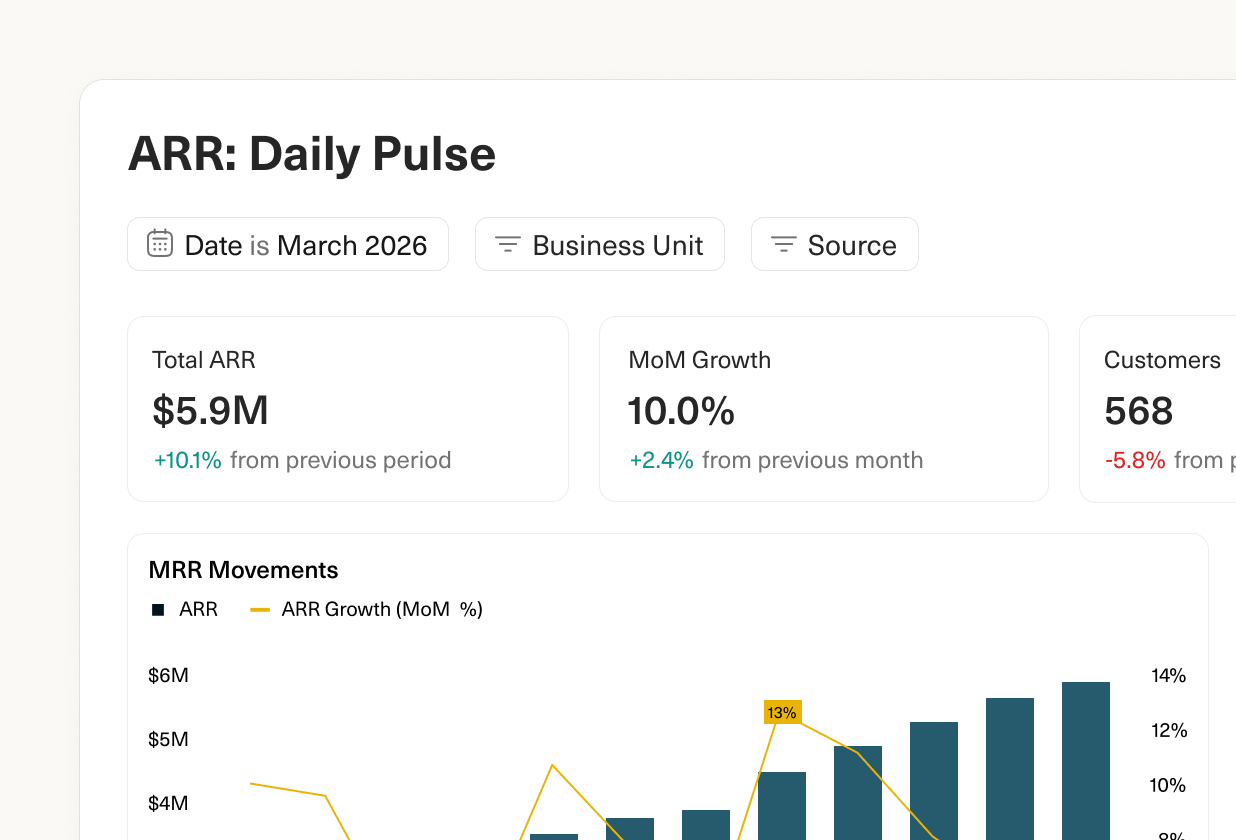
Date filters
Designed and built by
 Madeleine Revill
 Martin Rariga
Stop vibe-coding your numbers.
Start trusting them.
Guide your team with real-time clarity on pipeline coverage and funnel conversion.
