You can now set admins in your account who can set AI spend limits for each user in your organization. This can be controlled by workspace admins from the Members page in Settings.
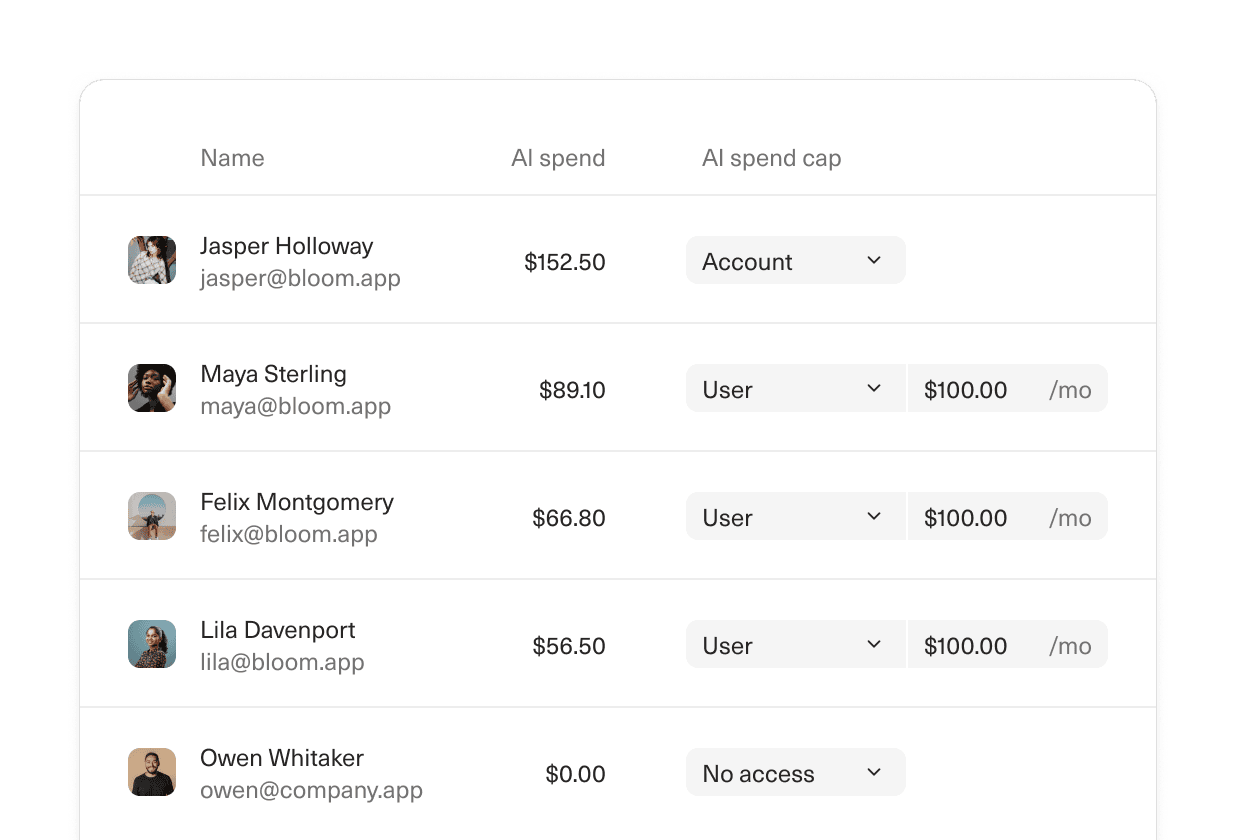
AI spend caps
Designed and built by
 Martin Rariga
 Robert Long
Stop vibe-coding your numbers.
Start trusting them.
Guide your team with real-time clarity on pipeline coverage and funnel conversion.
