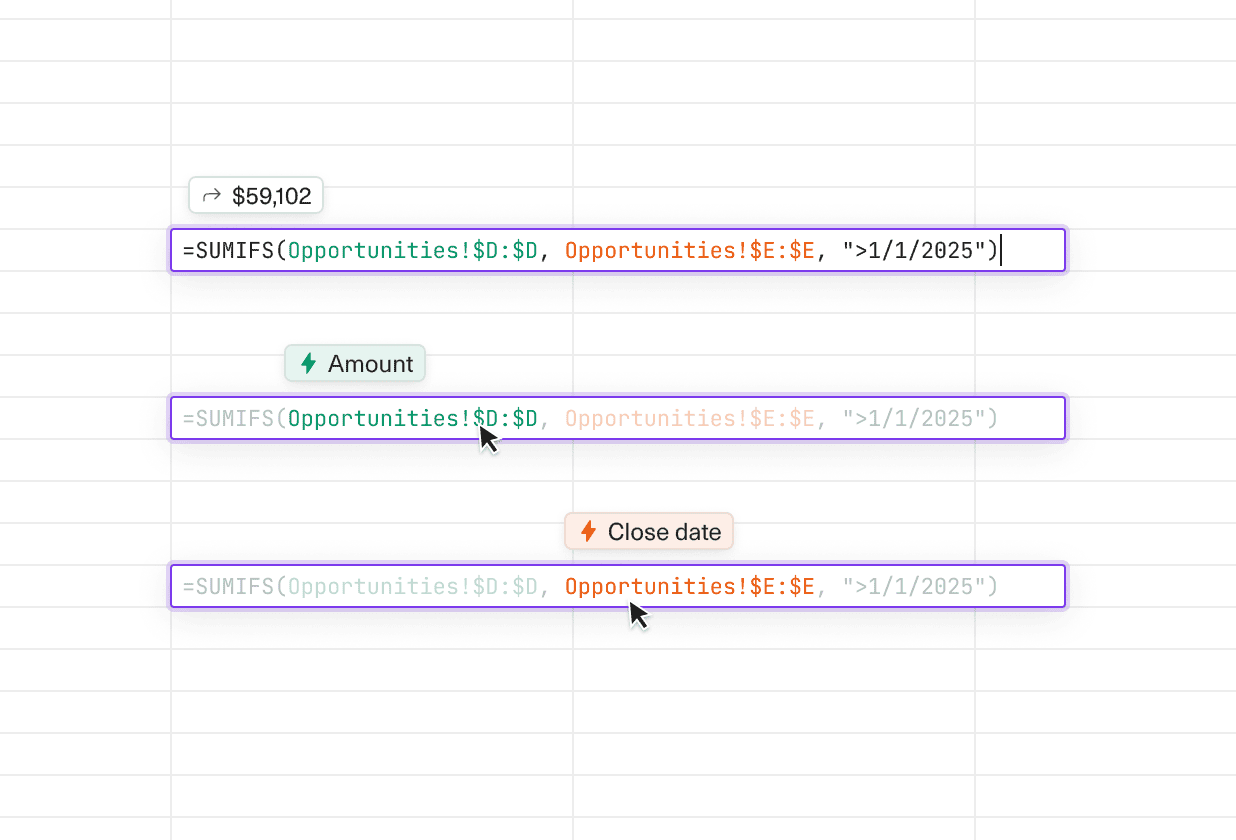
See the evaluated output of any formula on hover.
Understand what a formula returns (MAX = 2K) without a side analysis. See column names instead of spreadsheet references (AB → Revenue).
These small touches make formulas easier to read, audit, and trust.
 Robert Long
 Tony Poor