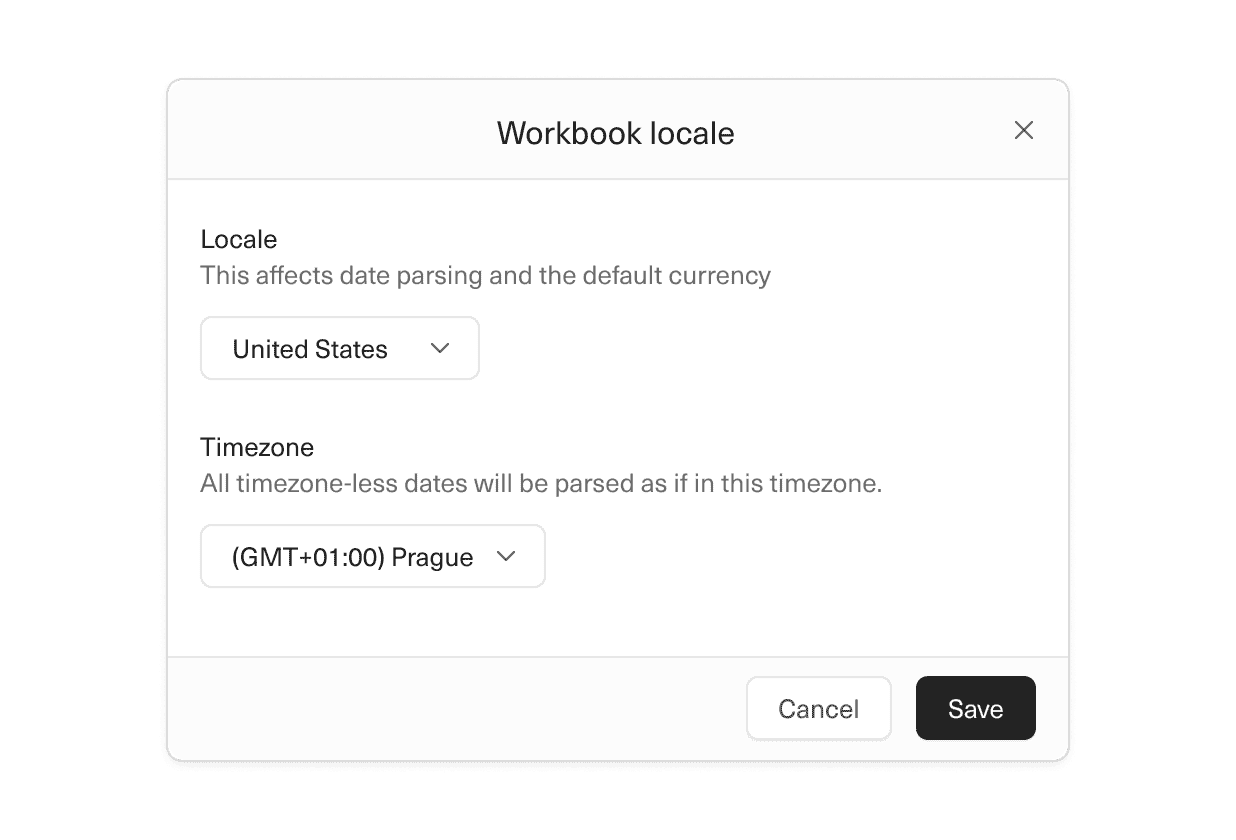
Your workbooks now handle international currencies and date formats.
To localize date formats and currencies for an individual workbook, you can set its default location from File > Settings. You can also set the default location for all new workbooks in your workspace from the Settings > Workspace page.
 Willy Collins
 Jamie Osler
 Ben McRedmond
 Ryan Fauver