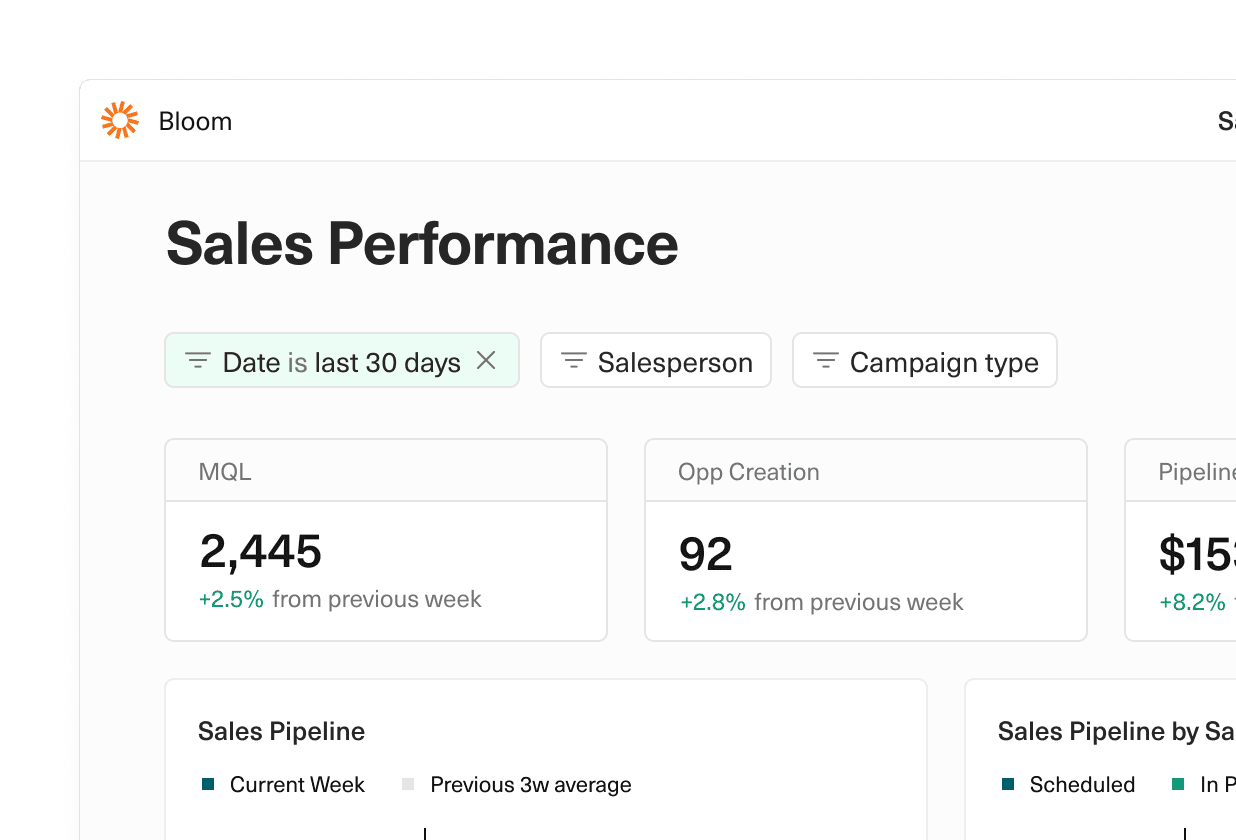
Empower your team to get the view they want with dashboard filters.
Add filters for any non-date column on a connected sheet. When the filters are applied they’ll filter down the data, updating charts, tables, and cells. Filtered views are private to the filtering user.
Bonus: you can now hide/show the Equals branding that appears in the dashboard footer.
 Martin Rariga
 Ryan Fauver
 Willy Collins